

Regex Lookahead and Lookbehind: A Practical JavaScript Guide
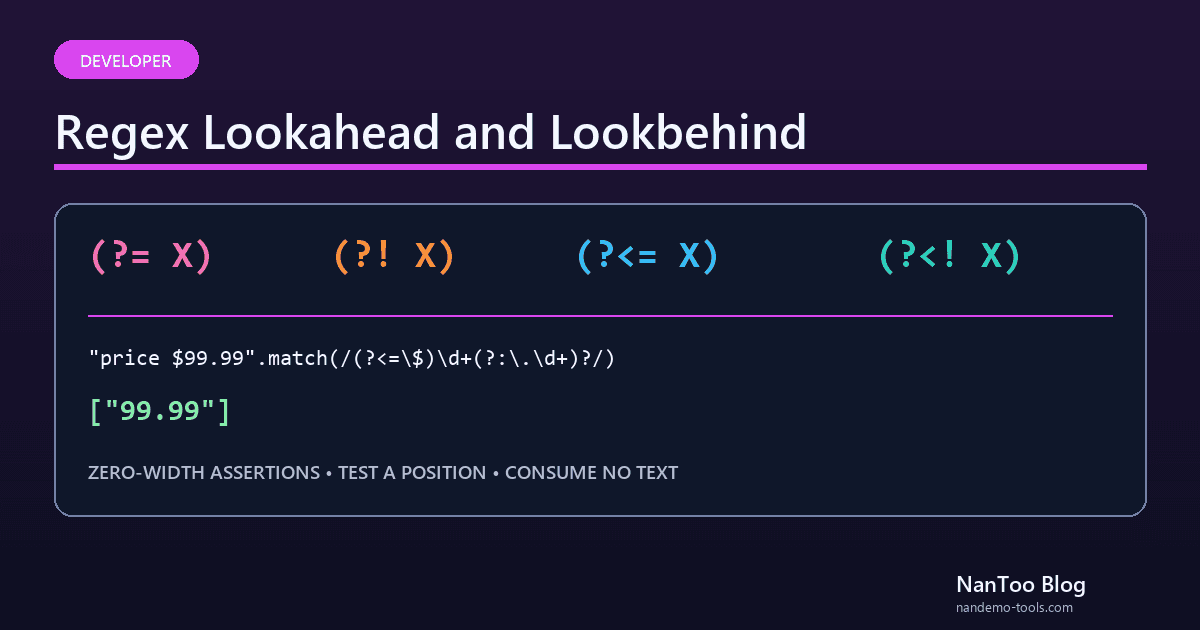
Lookahead and lookbehind are zero-width assertions. They test whether text before or after the current position satisfies a condition without adding that tested text to the overall match. Ordinary parentheses inside a lookaround can still create a capture group, so use (?:...) when no capture is needed. This guide explains all four forms through JavaScript examples.
Japanese original published: 2026-04-17
The four lookaround forms
Scroll horizontally if the table does not fit.
| Syntax | Name | Condition |
|---|---|---|
(?=X) | Positive lookahead | X follows the current position |
(?!X) | Negative lookahead | X does not follow the current position |
(?<=X) | Positive lookbehind | X precedes the current position |
(?<!X) | Negative lookbehind | X does not precede the current position |
A lookaround does not consume characters. It tests a position while the overall match remains at that position, which makes it possible to stack multiple assertions as AND-like conditions.
Pattern 1: extract text only when a suffix follows
Suppose a known input format contains several numbers, but you want only amounts followed by USD:
const text = "Item A 500 USD, shipping 300 USD, code 1234";
text.match(/\d+(?= USD)/g);
// ["500", "300"] — "1234" does not match
A capturing pattern such as (\d+) USD also works, but it matches the suffix and then requires reading capture group 1. The positive lookahead leaves the overall matches as the numbers alone.
Pattern 2: extract text only after a prefix
Positive lookbehind is useful when the desired match follows a marker:
// Extract domains from a known list of email-like strings
"alice@example.com, bob@nantoo.jp".match(/(?<=@)[\w.-]+/g);
// ["example.com", "nantoo.jp"]

// Extract numeric text after a dollar sign
"price $99.99, tax $9.50".match(/(?<=\$)\d+(?:\.\d+)?/g);
// ["99.99", "9.50"]
These expressions extract fragments from inputs with known formats. They are not complete email-address or currency validators. Define the full accepted grammar separately when validating user input.
Pattern 3: exclude candidates with negative lookahead
A negative lookahead can exclude a candidate when a forbidden pattern immediately follows it.
// Match a run of digits only when no word character follows it
"abc123xyz 789".match(/\d+(?!\w)/g);
// ["789"]
// "123" fails because 'x' is a word character.
// "789" succeeds at the end of the string.
An equivalent positive condition can sometimes communicate the intended boundary more clearly:
"abc123xyz789!end 456".match(/\d+(?=[^\w]|$)/g);
// ["789", "456"]
Here 789 is followed by !, and 456 is followed by the end of the string. Test each assertion separately when a negative condition becomes difficult to reason about.
Pattern 4: combine multiple conditions
The next expression demonstrates multiple simultaneous constraints: it allows only ASCII letters and digits, requires at least one of each, and requires a total length of eight or more characters. It is commonly presented as a password regex, but under NIST SP 800-63B-4, verifiers must not impose character-type composition rules. Treat this as a lookahead syntax example, not a complete password policy.
const exampleRe = /^(?=.*[A-Za-z])(?=.*\d)[A-Za-z\d]{8,}$/;

exampleRe.test("abc12345");  // true
exampleRe.test("abcdefgh");  // false: no digit
exampleRe.test("12345678");  // false: no letter
exampleRe.test("abc123");    // false: too short
The lookaheads test their conditions without advancing the current position. The final character class then consumes the complete string.
This example checks only character categories and length. It does not measure password strength or detect compromised passwords. A real authentication design should allow a sufficiently large maximum length and separately address rate limiting, multifactor authentication, and checks against known compromised values.
Pattern 5: insert thousands separators
JavaScript's Intl.NumberFormat or toLocaleString() is usually the right choice for user-facing number formatting. A lookahead can nevertheless demonstrate how to insert commas into a known ASCII integer string:
"1234567890".replace(/\B(?=(?:\d{3})+(?!\d))/g, ",");
// "1,234,567,890"
\B requires a non-word-boundary position. The lookahead requires one or more groups of three digits followed by a non-digit boundary. The inner (?:...) is noncapturing. This exact example targets a positive integer string made only of ASCII digits; signs, decimals, exponent notation, and locale-specific grouping should use Intl.NumberFormat or a parser designed for the accepted format.
Browser and Node.js support
Lookahead
Lookahead has long been available in JavaScript engines. Still test the environments you support, especially embedded or legacy WebViews, instead of treating compatibility as universal.
Lookbehind
Lookbehind arrived later. Current major browsers and current Node.js releases support it, but older Safari and iOS Safari versions, older WebViews, and Internet Explorer do not. Base the decision on the actual support range and traffic for the product.
// Lookbehind
/(?<=@)[\w.-]+/

// Alternative using a capture group
const match = "alice@example.com".match(/@([\w.-]+)/);
match?.[1]; // "example.com"
Performance and backtracking
Lookaround is convenient, but ambiguous alternatives and nested quantifiers such as (a+)+ can cause exponential backtracking with some inputs, whether they appear inside or outside an assertion. A zero-width assertion can also repeat substantial work when its internal pattern is retried from many positions.
- Check for alternatives with the same prefix and quantifiers that can also match an empty string.
- Avoid repeatedly evaluating broad patterns such as
.*inside assertions without clear bounds. - Test long nonmatching input and attacker-controlled input for acceptable time and memory use.
Neither fixed length nor a small number of lookaheads is an engine-independent performance guarantee. Measure in the same JavaScript engine and with the same flags used in production. Use a dedicated parser for structured languages when regex would only approximate the grammar.
Summary
- Lookaround tests a position without consuming the text it inspects.
- Ordinary groups inside lookaround can capture; use
(?:...)when no capture is needed. - Multiple positive lookaheads can express AND-like conditions, but matching character classes and length does not establish password strength.
- Current major JavaScript environments support lookbehind, but legacy targets might need a capture-group alternative.
- Test both representative input and long nonmatching input in the production engine.
References and sources
Editorial note
This article was prepared with AI assistance and reviewed by an editor before publication. It may still contain factual errors, interpretation mistakes, or outdated information. Check the cited primary sources or official documentation before making an important decision.